
See what visitors do after they land
Heatlytics records the referrer and UTM parameters of each session, so you can look at any campaign’s visitors on their own.
Your campaign link already says who they are
Heatlytics keeps the referrer and UTM parameters of each session, so every part of the link becomes a filter.
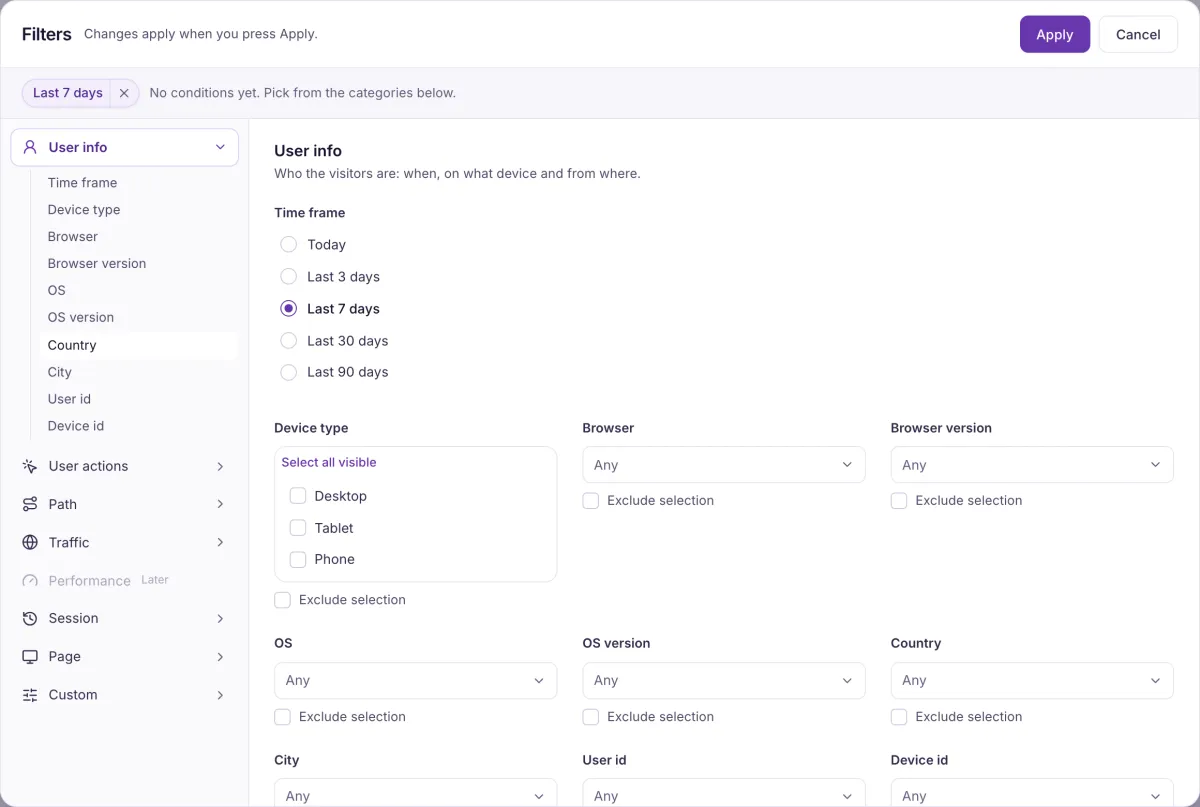
Narrow to a campaign
Filter any screen by UTM source, medium or campaign, or by referrer. Filters and segments
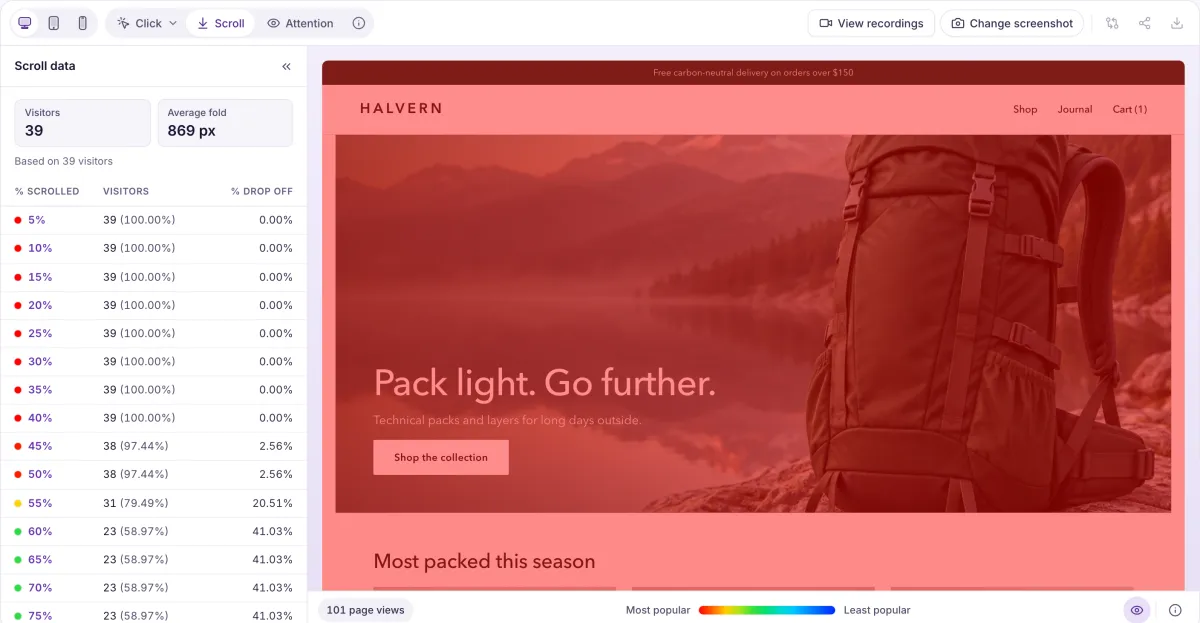
Check the landing page
See how far visitors scroll and what they click on the page you sent them to. Heatmaps
Follow them to the goal
Run a funnel for those visitors and see where they drop out. Funnels and flows
Report on it
Save the chart, group it by up to two dimensions, and compare it with the previous period. Reports and dashboards
Which landing page is costing you most?
Bring it along, and we’ll look at what its visitors do after they arrive.