
See what happened instead of asking
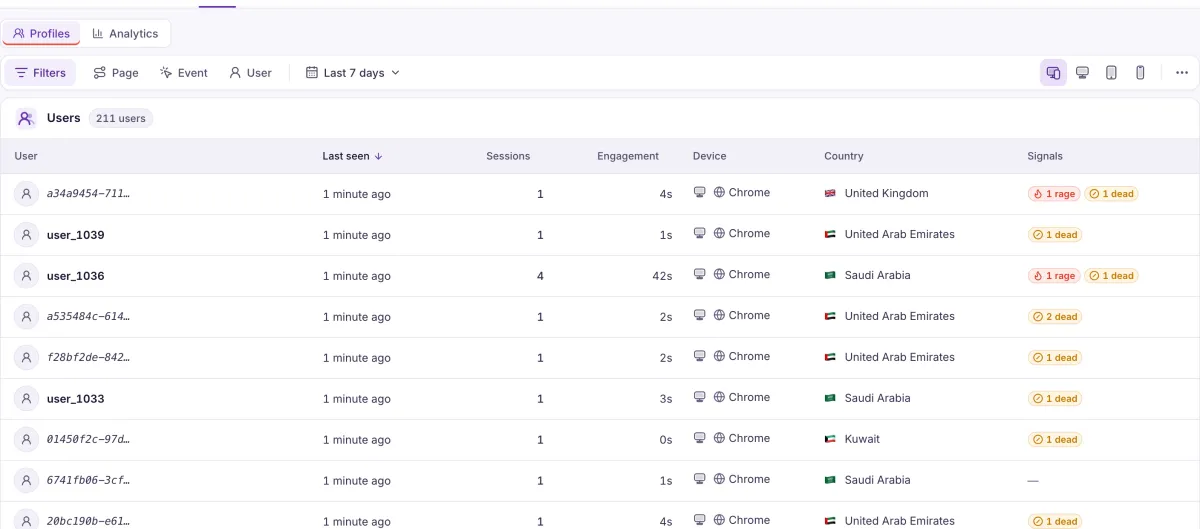
When your site identifies its users, you can find a customer by their ID and watch what happened on their visit.
A support conversation, with the visit open
A sample conversation.
- I clicked to use my discount and nothing happened. I don’t know what I did wrong.
Find the customer
Filter the user list by your own user ID and open their profile. Users and events
User ID is user_1039
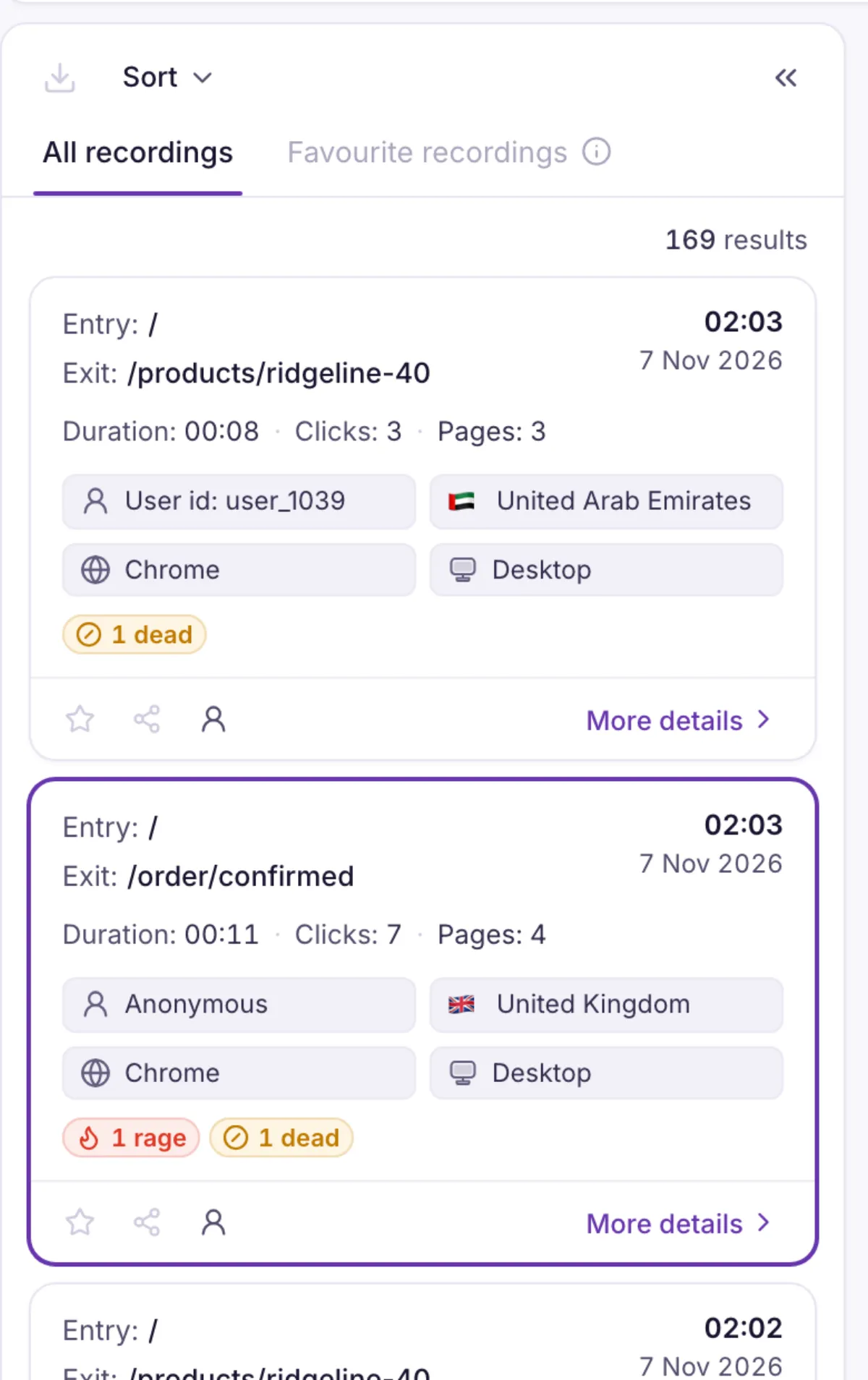
Watch their session
Every session they had is on the profile, with its replay. Session replay
Spot where it went wrong
Markers on the timeline show rage clicks, dead clicks and U-turns. Frustration signals
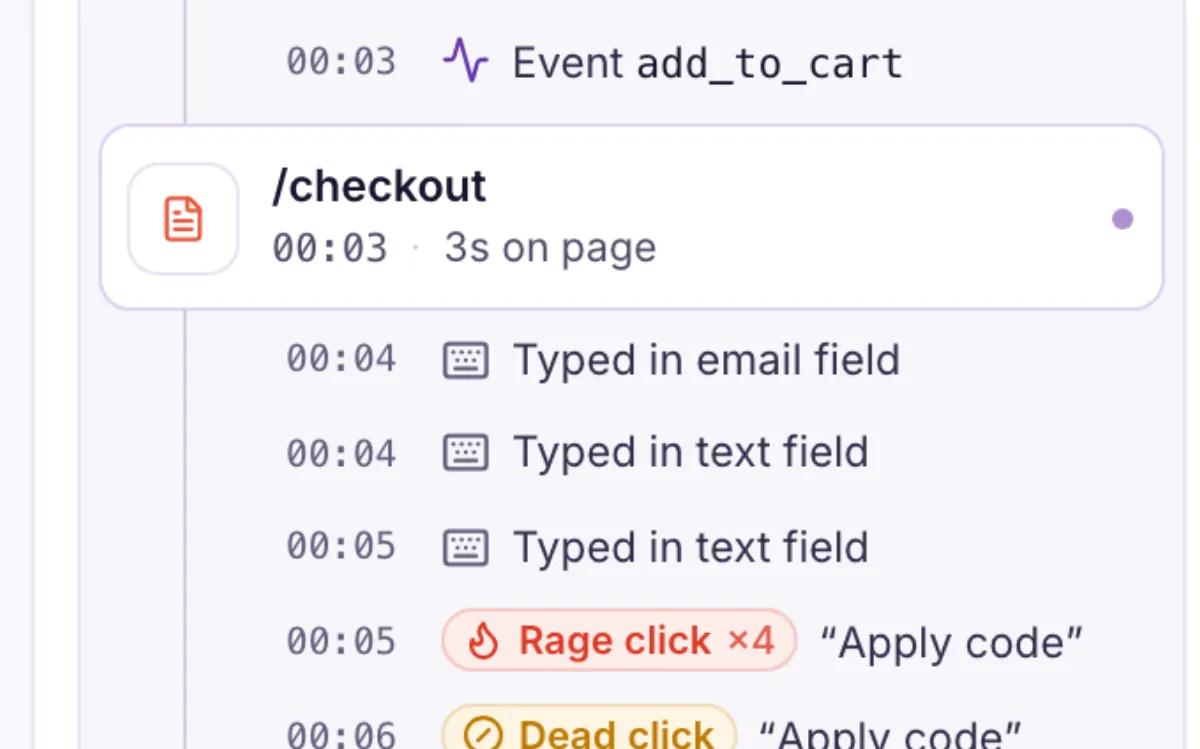
- You did nothing wrong. Apply code didn’t respond when you clicked it. I’ve sent this to the team who can fix it.
Share it with a colleague
Filters and the open session live in the link, so a signed-in teammate sees the same thing. Filters and segments
You’ll need one thing first. Finding a customer by ID works once your site tells Heatlytics who’s logged in. Identify your users
Stop asking for screenshots
We’ll show you how a support conversation looks when you can open the visit.